Bring in the image.
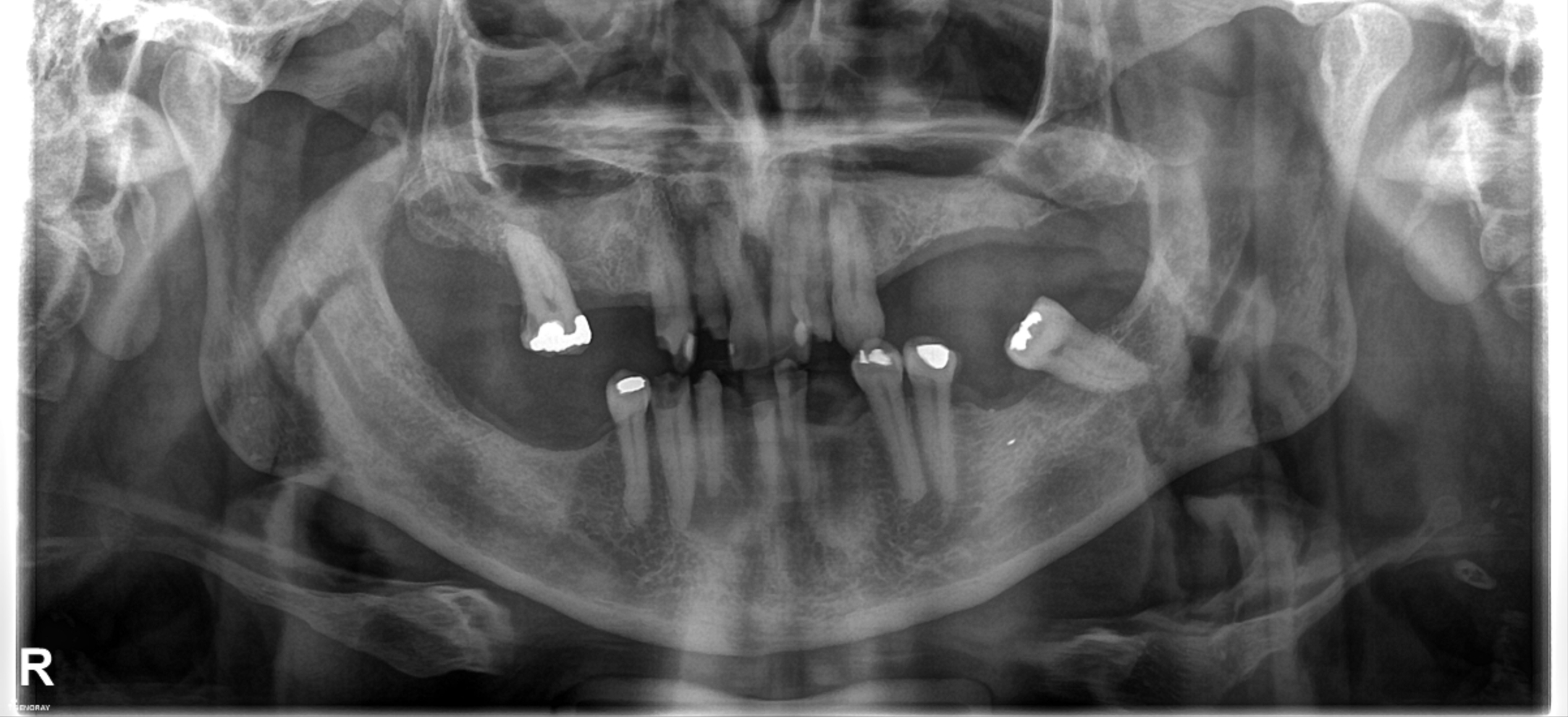
Upload a panoramic X-ray and keep it at the centre of your workspace.
Import → Centre → Begin
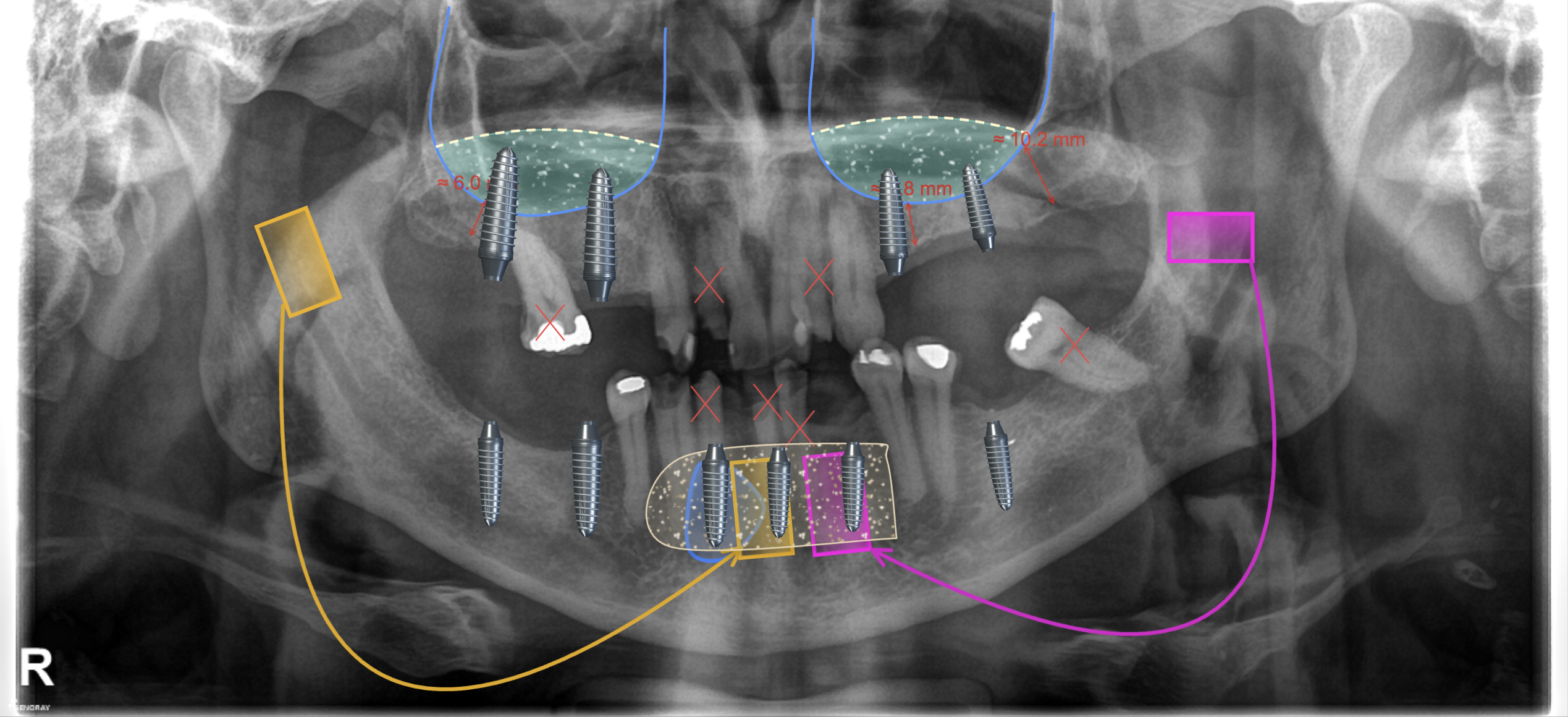
Create a visual treatment plan from a panoramic X-ray. Explain the options, compare the result and share the next step.
Try it yourself ↗See it in action ↓No account needed for the sample · No installation
Three steps. One focused workspace.
Upload a panoramic X-ray and keep it at the centre of your workspace.
Place treatments, mark findings and adjust each element to illustrate your proposal.
Save your project, export an image or print the illustration for your conversation.
Explore three guided examples in the actual workspace.
Place 3D elements, then adjust their position and size.
Try this example →Choose the start, middle and tip to create a curved filling.
Try this example →Trace the border to build an editable graft illustration.
Try this example →All planning tools in every plan.
Prices are totals in USD.
Or $89.90 billed annually
Book a demo ↗Or $269.90 billed annually
Book a demo ↗For larger teams. Contact us for pricing.
Contact us ↗Projects are not public. Authorized administrators can access them. Please use case numbers instead of patient names.
No. Dentlume creates treatment illustrations for communication. It is not a diagnostic or surgical navigation system. Measurements without reliable image scale are approximate.
Yes. Projects are saved to your account, with versions and reusable templates available in the workspace.
PNG, JPEG, TIFF and supported DICOM images. You can export your illustrated plan as an image or print it.
Book a demo or contact our team. Accounts are created by the administrator. Online checkout is not available yet.
See how Dentlume fits your workflow in a personal walkthrough.
Chat on WhatsApp ↗info@dentlume.com ↗